Let ChatGPT, Claude, or Cursor buy — with your approval
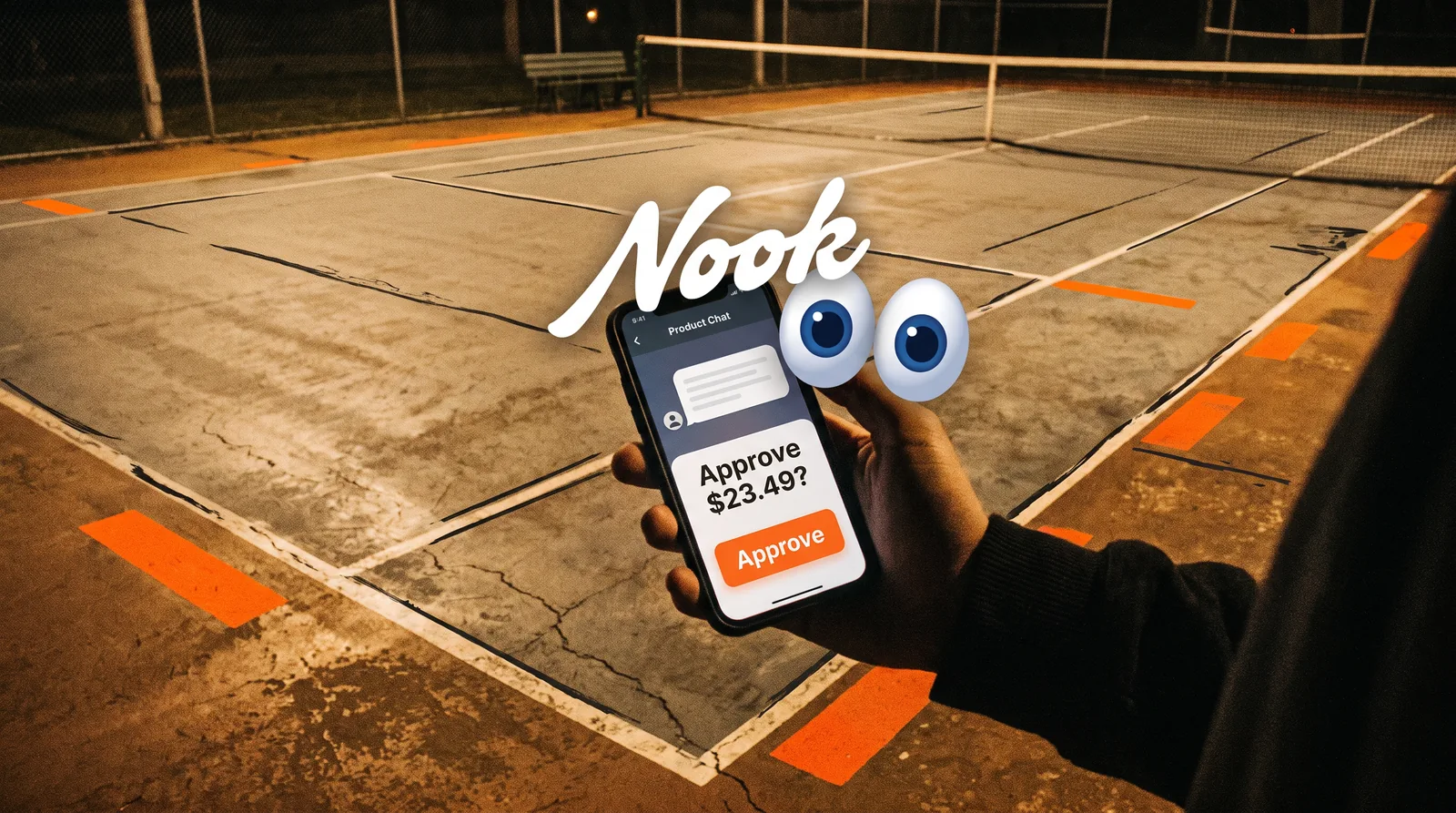
TL;DR. If you already talk to ChatGPT, Claude, or a Cursor agent, you can let that agent shop in the stores you already use without handing it your passwords. You sign in to Nook with your phone and connect your accounts. Your agent sends a connection link, requests a real checkout quote, and waits. You approve the total in chat, or tap Buy on Nook's review page. Nothing is purchased before that yes. Quotes and purchases work today at Amazon, Uber Eats, Instacart, Walmart, Target, and Chewy.
Who this guide is for
This is for people, not for anyone building a new shopping product from scratch.
You already ask an agent to draft, plan, or look things up. Now you want it to handle a real order — a 12-pack, groceries, pet food, dinner — without:
- Pasting store passwords into the chat
- Hoping a listed price is the real total
- Wondering whether the agent already clicked Buy
Nook is the layer that makes that possible. Any agent that can call a web API or use MCP tools can use it. The connection belongs to you. The protocol does not care whether Claude, a Cursor agent, ChatGPT with tools, or another capable agent is driving.
If you want the deeper explanation of why checkout is hard, read How AI agents check out online. If you are a developer choosing an integration approach, read Nook vs building your own agent shopping integration.
What you will need
- A phone number, so you can sign in to Nook
- Store accounts you already shop with
- An agent that can call Nook — itself, or through a developer who configured a partner key
Nook is in private beta. Connecting your accounts is free during the beta. You pay the stores for what you buy, at the totals you approve. Nook adds nothing to a checkout.
The flow in four steps
Every working setup, regardless of which model you talk to, follows the same sequence.
1. Your agent is set up with Nook
An agent needs a partner key. If a developer already configured one, the agent should use that and never show it to you. If you are using an environment that can register its own key — including MCP clients such as Claude Code or Cursor — the agent can do that itself and keep the key in private storage.
You should never be asked for a partner key, and you should never paste one into a chat. A partner key identifies the agent to Nook. It is not your login.
MCP clients add Nook at https://nookstore.xyz/mcp with the partner key as a Bearer token. The official setup lines live in the agent guide and the quickstart. If your ChatGPT, Claude, or Cursor agent cannot call tools or an API yet, it cannot complete checkout; it can only talk about shopping.
2. You connect your store accounts
Ask your agent to send you a Nook connection link. The link works for 30 minutes.
Open it, then sign in to Nook with your phone. On the accounts page you will see the stores you have already connected in Nook, each signed in or signed out. One tap connects every signed-in store to that agent, without signing in again. For a store you have not connected yet, you sign in through Nook's own form.
Your agent never sees what you type.
Stores that can quote and buy today: Amazon, Uber Eats, Instacart, Walmart, Target, and Chewy. Stores you can connect now without quotes yet: DoorDash, Urban Outfitters, Resy, Detoure, Delta, and Apple. Choose based on what you actually want ordered; Best stores for AI agent shopping maps each one to a typical request.
You can review or disconnect any connection later at nookstore.xyz/v3/accounts.
3. You ask for something specific, then wait for a quote
Go back to your agent and ask in the ordinary way:
- "Can you grab a 12-pack of Celsius for the weekend?"
- "Order me the usual salmon bowl from the corner place on Uber Eats, no cheese, to the apartment."
- "Get the grain-free kibble we buy on Chewy — just this once, not a subscription."
A good request names the product in the product's own words, plus any size, quantity, restaurant, address, or card you care about. If you have a spending limit for this purchase, say the amount in this conversation. Do not assume the agent will remember a budget from last week.
Nook then works through your signed-in account, finds the product, and reads the store's own checkout. A quote usually takes about a minute on Amazon, Instacart, Walmart, and Chewy, and two to three minutes on Uber Eats.
When the quote is ready, your agent should show you:
- The item and quantity
- Each charge and the total
- The address and payment method the store will use
- Anything else you need to know — the seller, a tip, delivery details, or a warning
If the store needs a choice, your agent should ask. That is normal. Amazon listings sometimes differ. Uber Eats items sometimes require a side. Target needs pickup or shipping. Say which option you want; do not let the agent guess.
4. You approve the total — or you don't
Your opening request is not approval, even if you said "buy" or "order."
You approve in one of two ways:
- Reply clearly to the quoted total in chat ("yes", "yeah", "buy it", "go for it", or any other clear yes)
- Open Nook's review page and tap Buy
Read the figures first. If the item, size, address, or total is wrong, say so. The agent should get a new quote rather than arguing with the old one.
After you approve, Nook presses the store's final order button once and checks for confirmation. Your agent should come back with the order number and total. The store also emails its own confirmation to the account.
If the total went up before purchase, or the item, address, or card changed, Nook stops without buying. If Nook cannot tell whether the order went through, your agent should tell you to check the store's order history — and should not try the same purchase again.
What this looks like in each place you already work
The product does not change across apps. A few practical notes help anyway.
Claude, including Claude Code. If you use Claude with MCP tools, Nook can be added as an MCP server. Claude Code's documented command and the shared MCP URL are in the agent guide. Once the person (you) has claimed a connection link, Claude can request quotes and, after your yes, request the purchase.
Cursor. Cursor can use the same MCP server through its MCP config, with your (or your developer's) partner key in the Authorization header. Details are in the agent guide. You still approve every total; Cursor does not get a special bypass.
ChatGPT. If the ChatGPT agent you use can call a web API or MCP tools, it can follow the same partner-key and connection-link flow. If it can only chat, it can explain shopping but cannot complete a Nook checkout. Do not paste passwords, card numbers, or partner keys into the conversation to "make it work."
In all three cases, saved preferences live with you in Nook — a usual address, a usual card, names for places, a budget, and notes — not inside one model. Whichever agent you shop through, those preferences fill only what a request leaves out, and every quote says what it filled in.
Safety rules worth keeping in view
- Your agent does not see your store password or your browser session.
- Saved store sessions are encrypted.
- You can disconnect a store at any time on your accounts page.
- Do not send card numbers, passwords, or one-time codes in chat.
- You can cancel on Nook's review page until Nook starts placing the order. Nook cannot undo an order the store has already accepted.
The AI agent shopping FAQ answers these questions in a form that is easy to quote. Nook's own FAQ is the canonical short version.
A short checklist before you ask for the first order
- Your agent has a partner key you have never seen.
- You received a Nook link and signed in with your phone.
- The store you care about is connected and signed in.
- You asked for a product in its own words, with size and quantity.
- You read the quote's item, charges, total, address, and payment.
- You said yes to that total, or you tapped Buy.
- You received an order number, or you were told to check the store's history.
If a step is missing, stop and finish it. Checkout is not a prompt you can skip ahead of.
Get started
Connect your store accounts at nookstore.xyz/v3/accounts. Sign in with your phone, connect the stores you already use, and return to ChatGPT, Claude, or Cursor.
If your agent still needs to be wired up, point it at the quickstart or the full agent guide. It should send you a connection link next — then quote, then wait for your yes.